ULTIMA ONLINE ART MODS
fan art modifications in ultima online classic
DOWNLOAD | INSTALL NOTES | VIEW IMAGES
Outlands : DOWNLOAD GumpOverrides | DOWNLOAD GumpOverrides without DarkScrolls
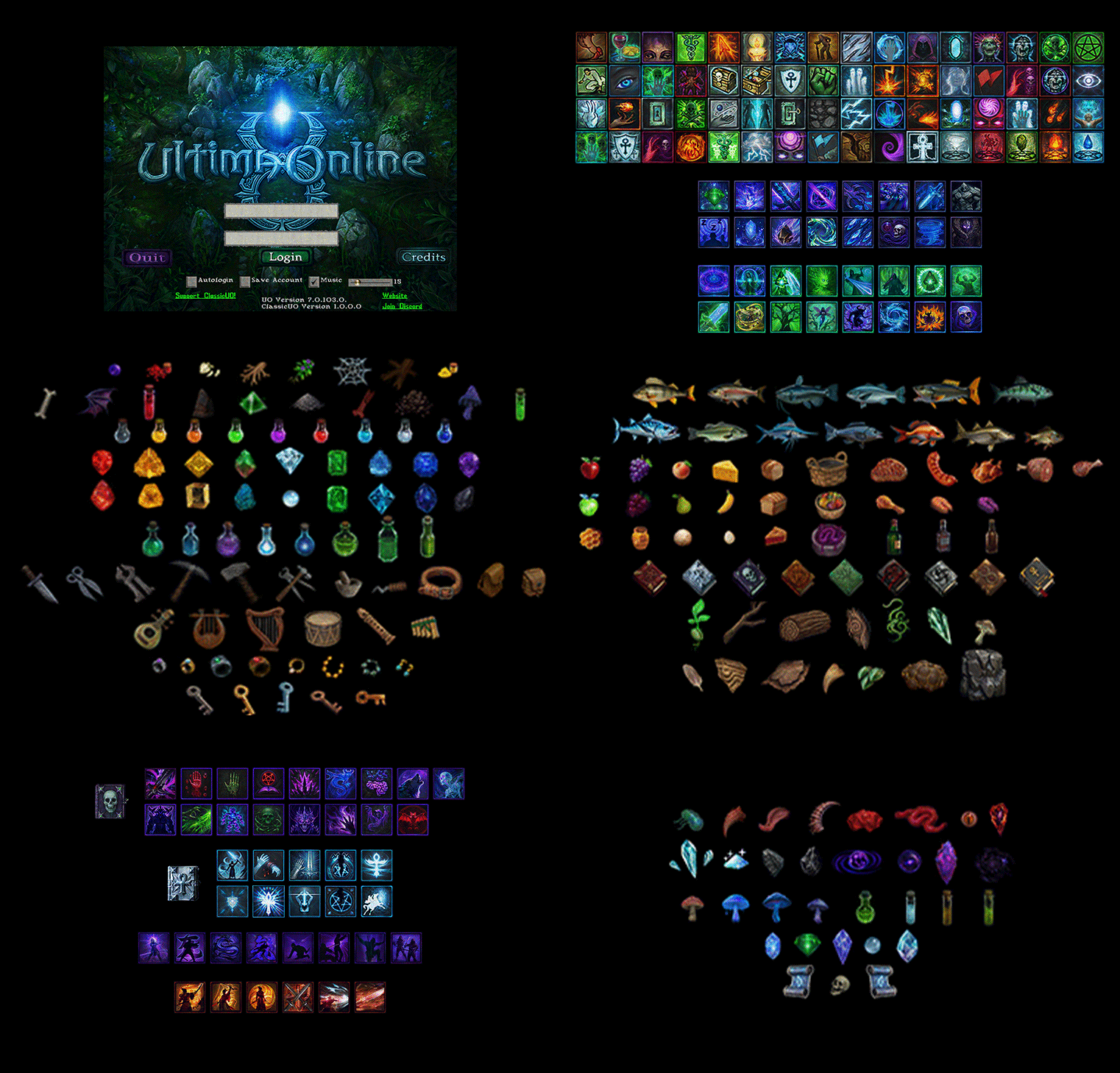
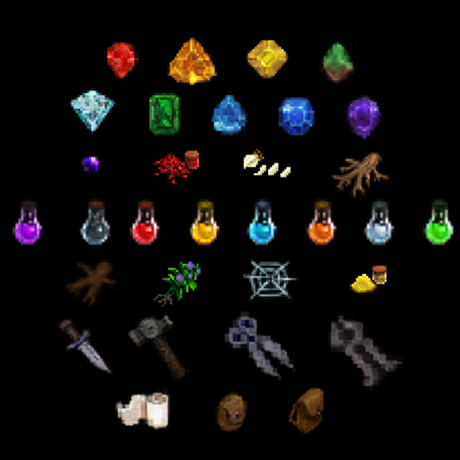
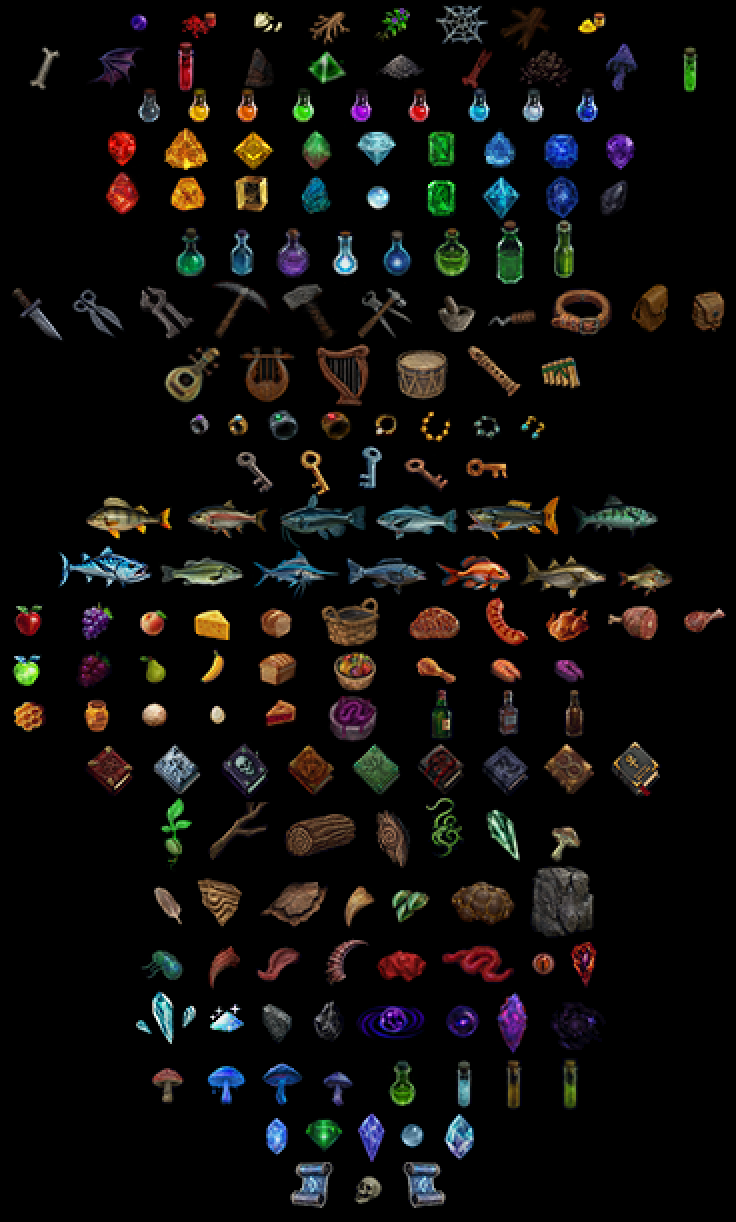
- ART items = MagicScrolls , Reagents , Potions , Gems , Tools , Books , Fish , Food , Rare Gems , Jewelry , Keys , Rare Potions , Power Rares , Talismans , Pagan Reagents , Resources
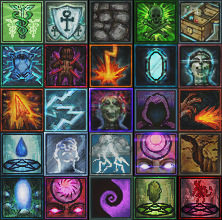
- UI colorized spell icons = MagicSpells , Necromancy and Chivalry , Mysticism , SpellWeaving , Mastery , Combat , Bushido , Ninjitsu
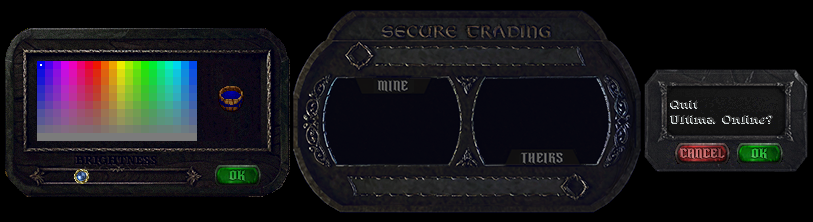
- UI gumps = ArchStone with EquipSlots , DarkScrolls , DarkStats , DarkBook , DarkFrame , Magic Buffs , Professions , Main Menu
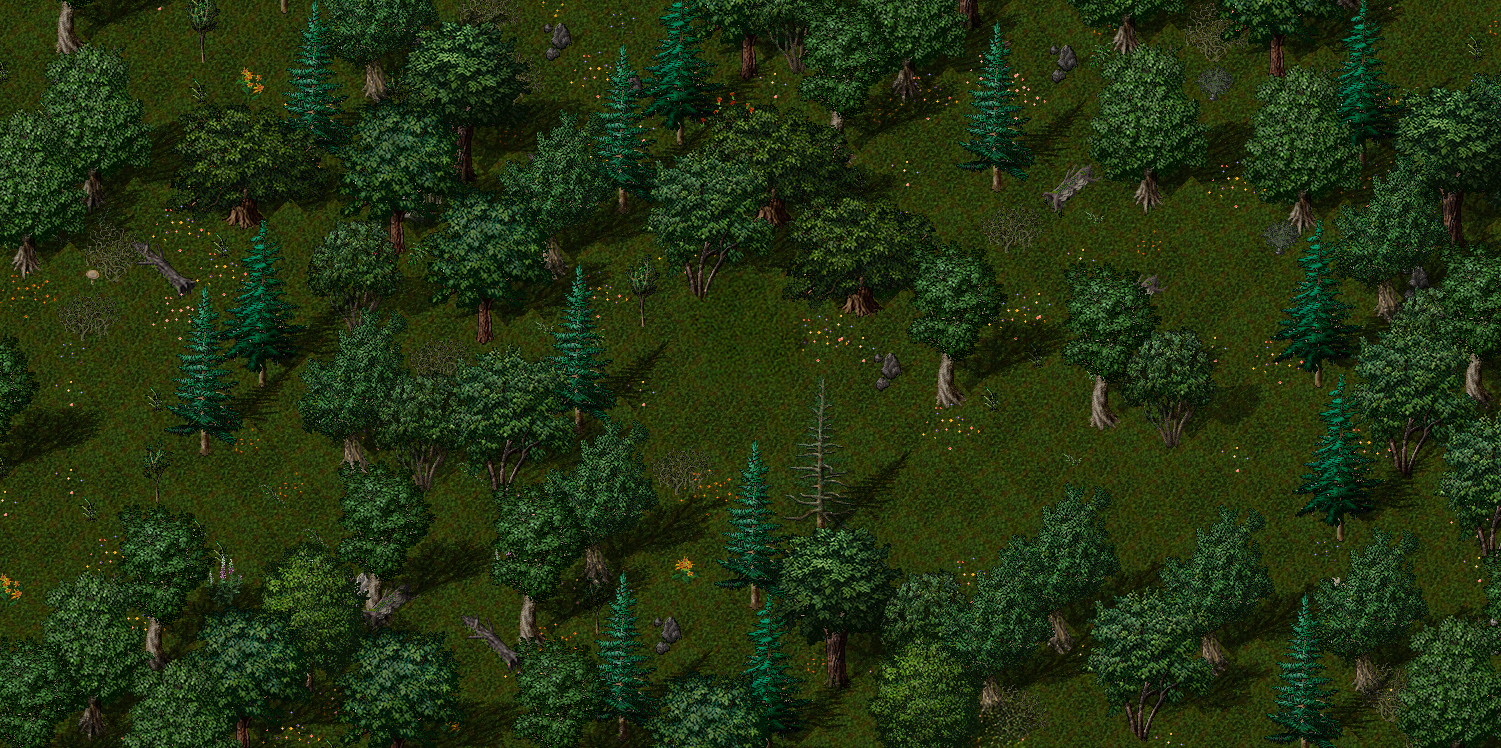
- ENV = Altered Lands , HeartWood trees , Paroxysmus poison
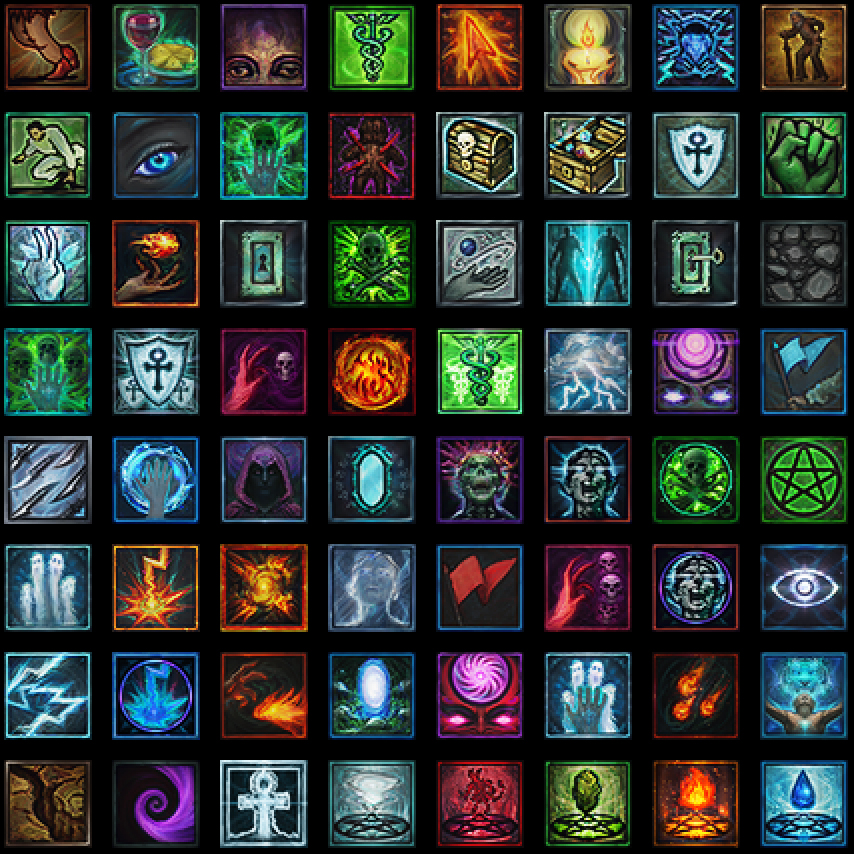
Magic Spells
- Colorized paintover on icons of the classic linework .
- ITEM LIST
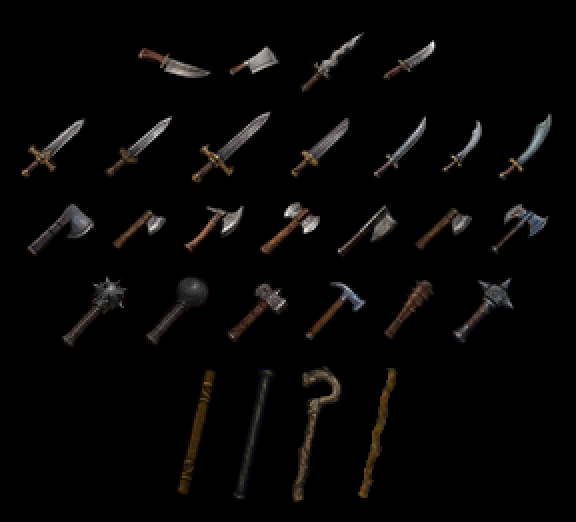
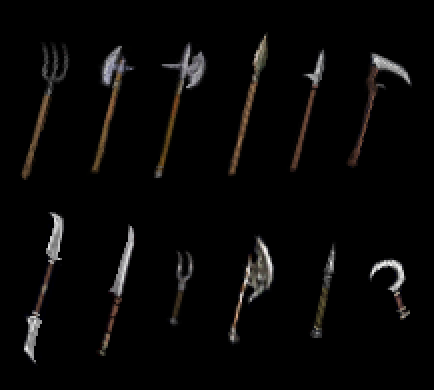
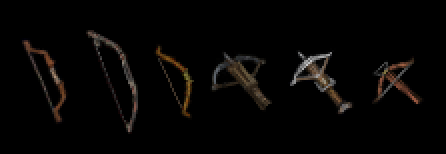
Items
Weapons
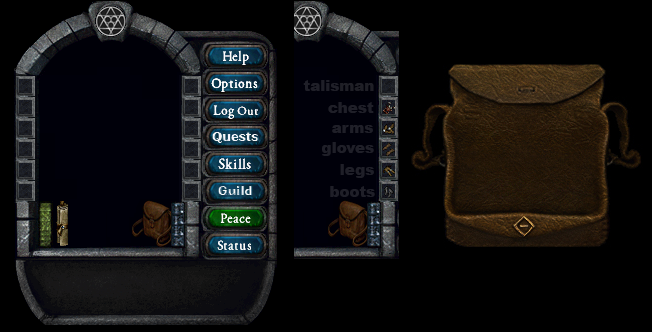
Arch Stone
- an archway of the avatar crafted from stone
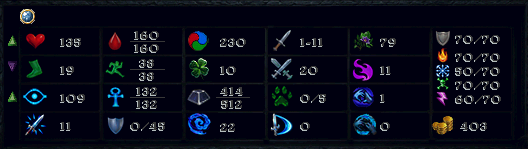
Stats
Dark Stats
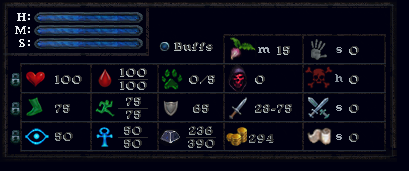
Dark Stats Medium
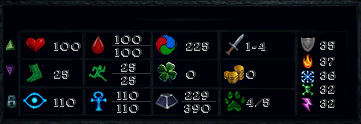
Dark Stats Long
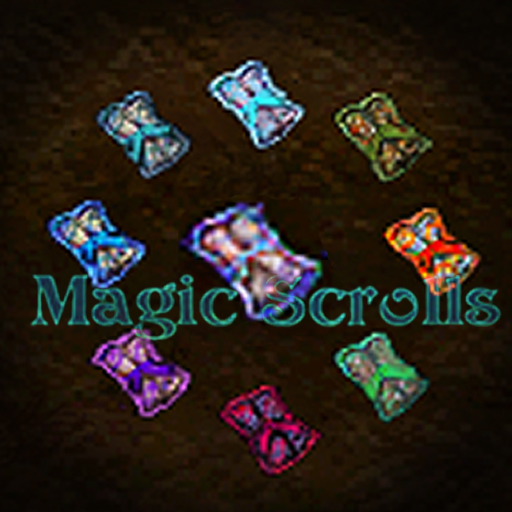
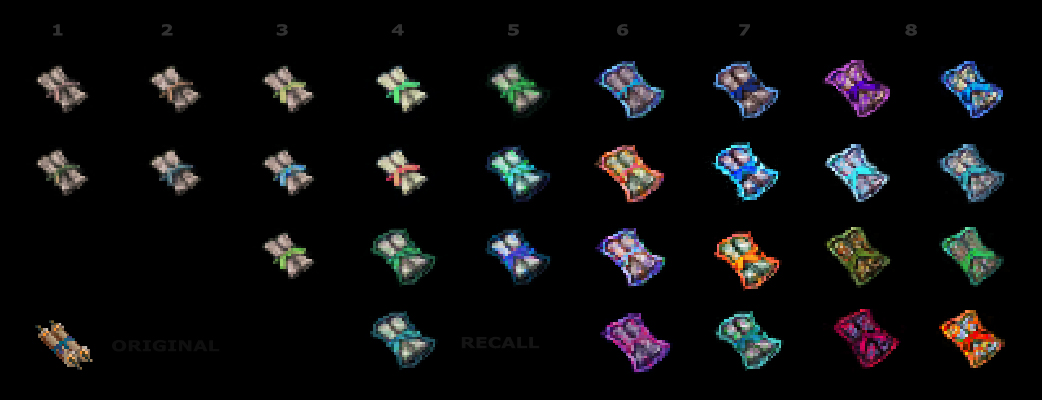
Magic Scrolls
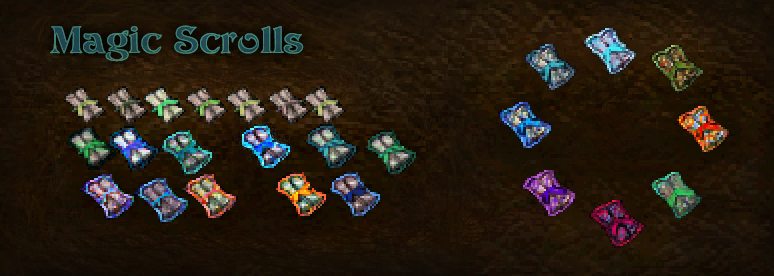
- Aims to quickly convey the use and importance of certain scrolls .
- Simpler scroll with ribbon colourized by harmful \ beneficial \ utility .
- Low circle spell scrolls are desaturated and rough looking in contrast to higher 6+ circle spells glowing and resembling the spell they contain .
- Useful spell scrolls like Recall are shown glowing and easily distinguishable even when they are lower circle .
- ITEM LIST
Spells Additional
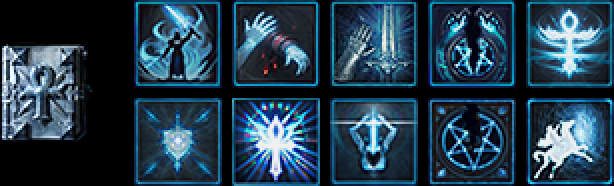
Chivalry
Necromancy

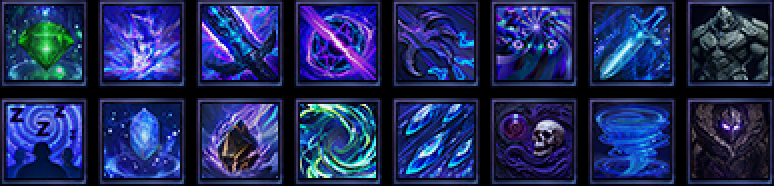
Mysticism
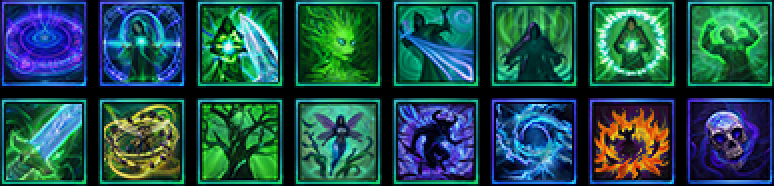
SpellWeaving
Mastery
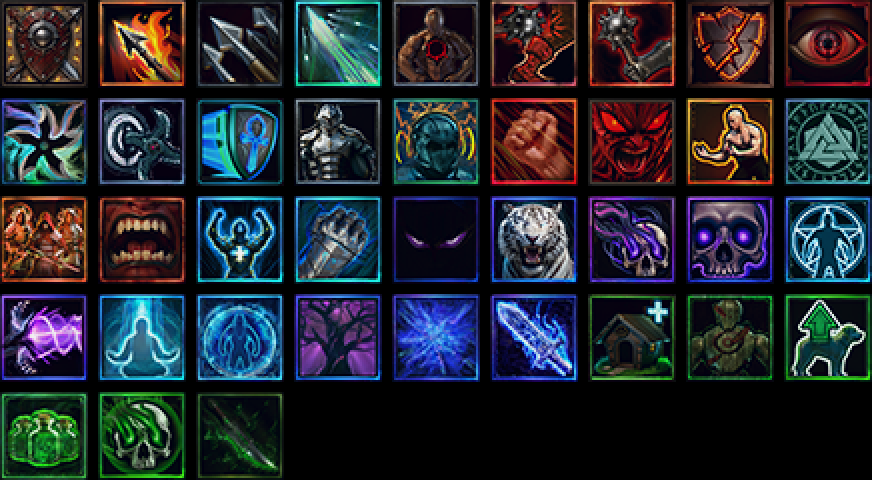
Combat
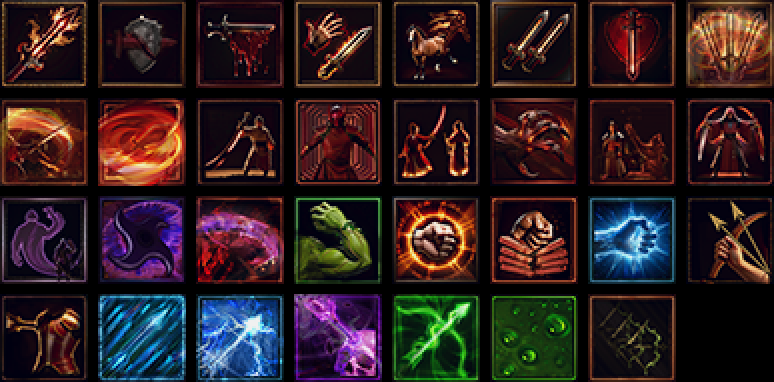
Bushido

Ninjitsu

Eldritch Magic

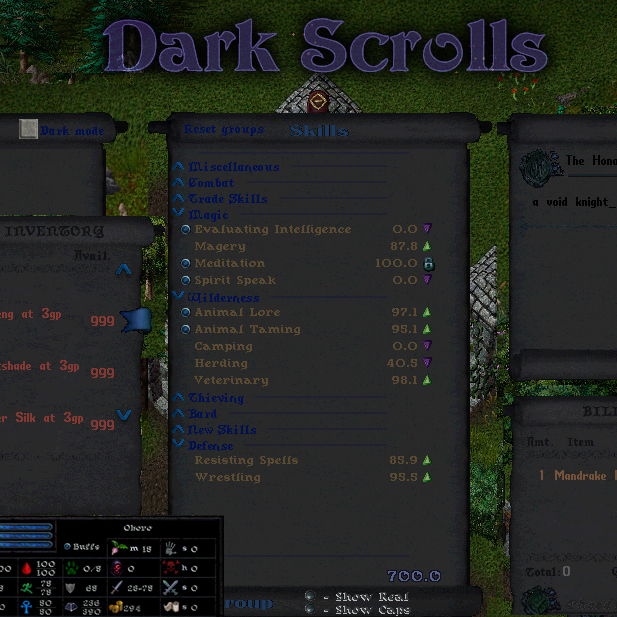
Dark Scrolls
- ui enchanted with dark magic
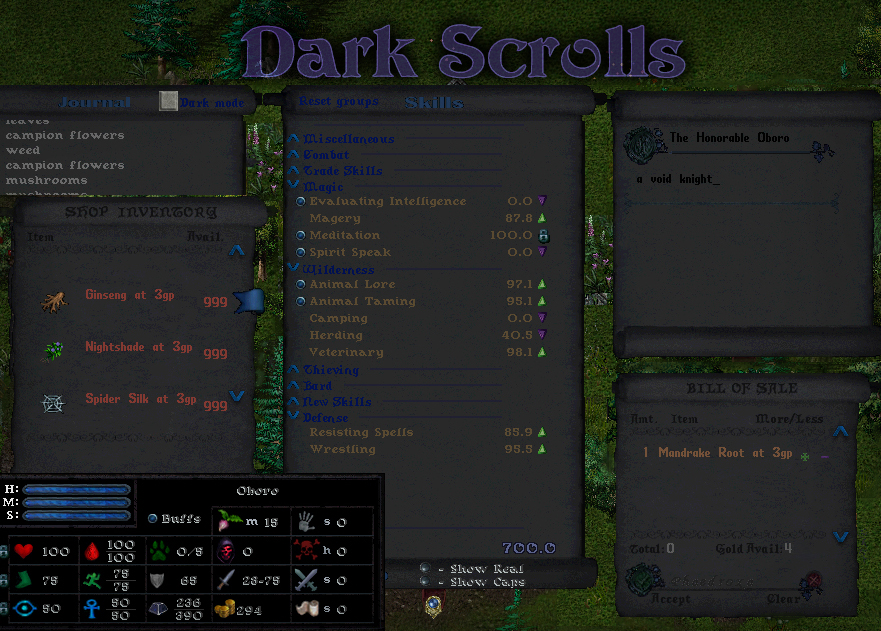
Dark UI
Dark Book
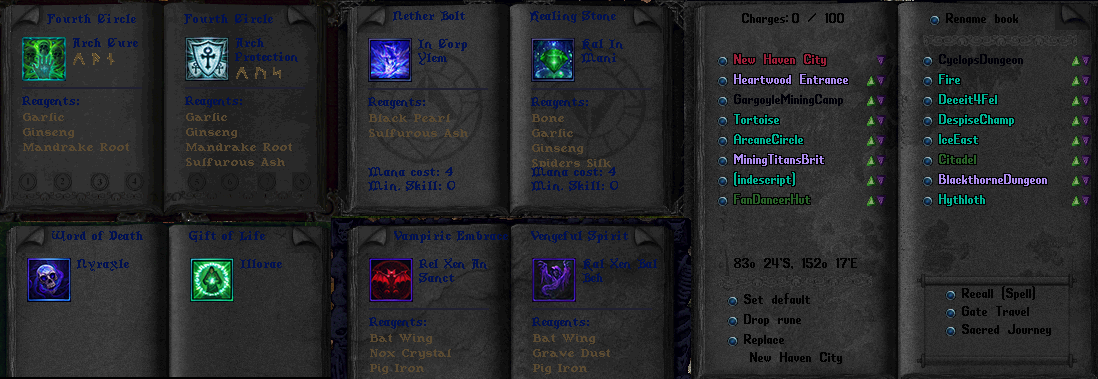
Dark Frame
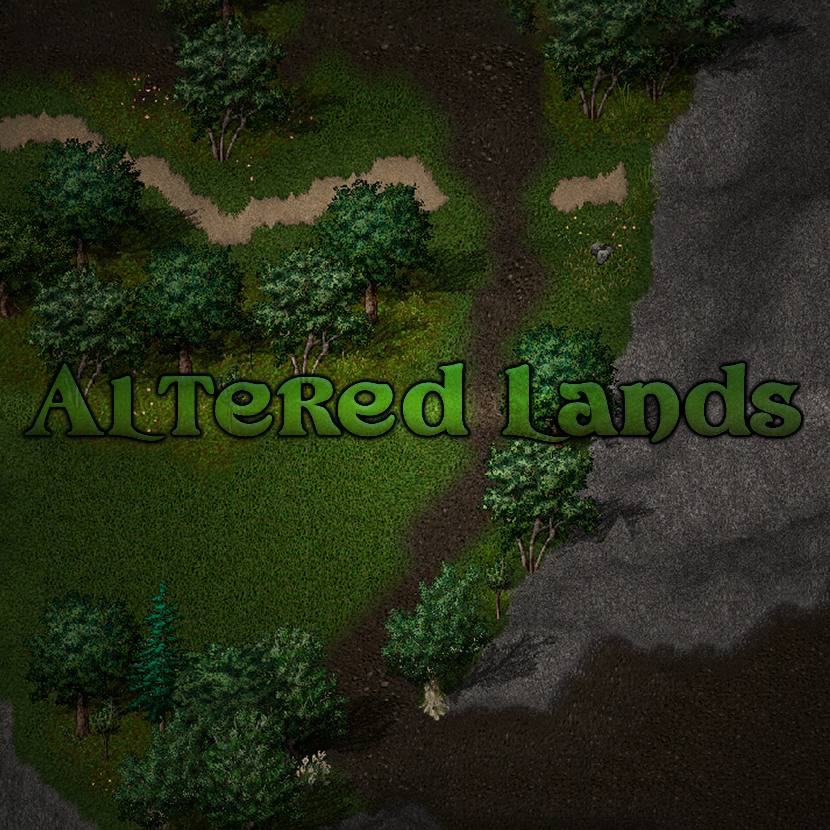
Altered Lands
- a collection of land texture modifications
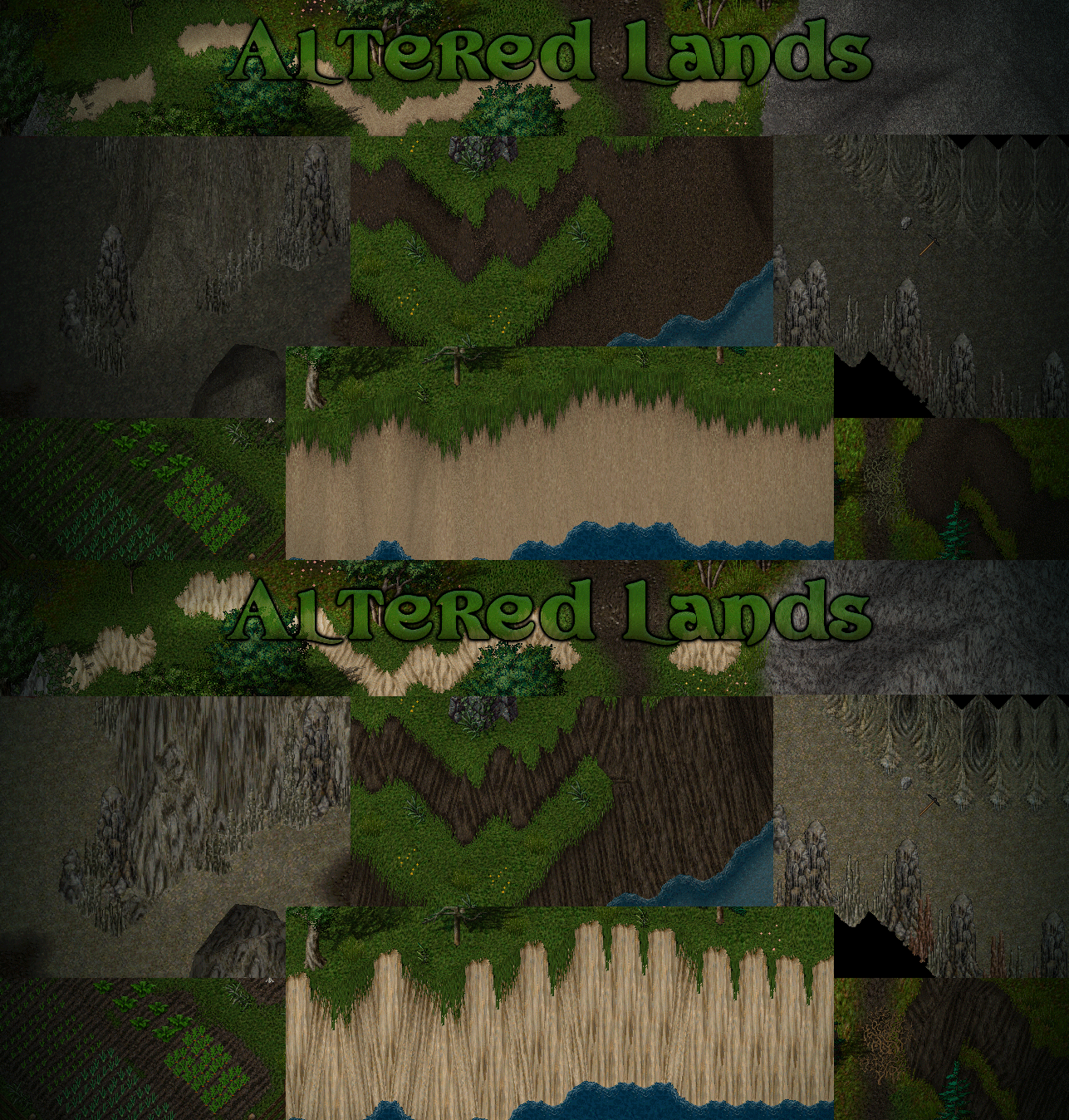
- Additional Images
- Farm Lands : Verdant farms of sproutlings and wild weeds
- Dirt Hills : Blended overhang slopes and reduced runnels along embankments
- Cave Dark : Darkened gray caverns , reduced tiling lines on cave-mountains
- Mountain Path : Reduced lines , transitions of rocks to dirt and grass
- Forest Grove : Verdant green forest
- Snow Ridge : Smoothed snow slopes
- Sand Dunes : Blended embankments , darkened and desaturated

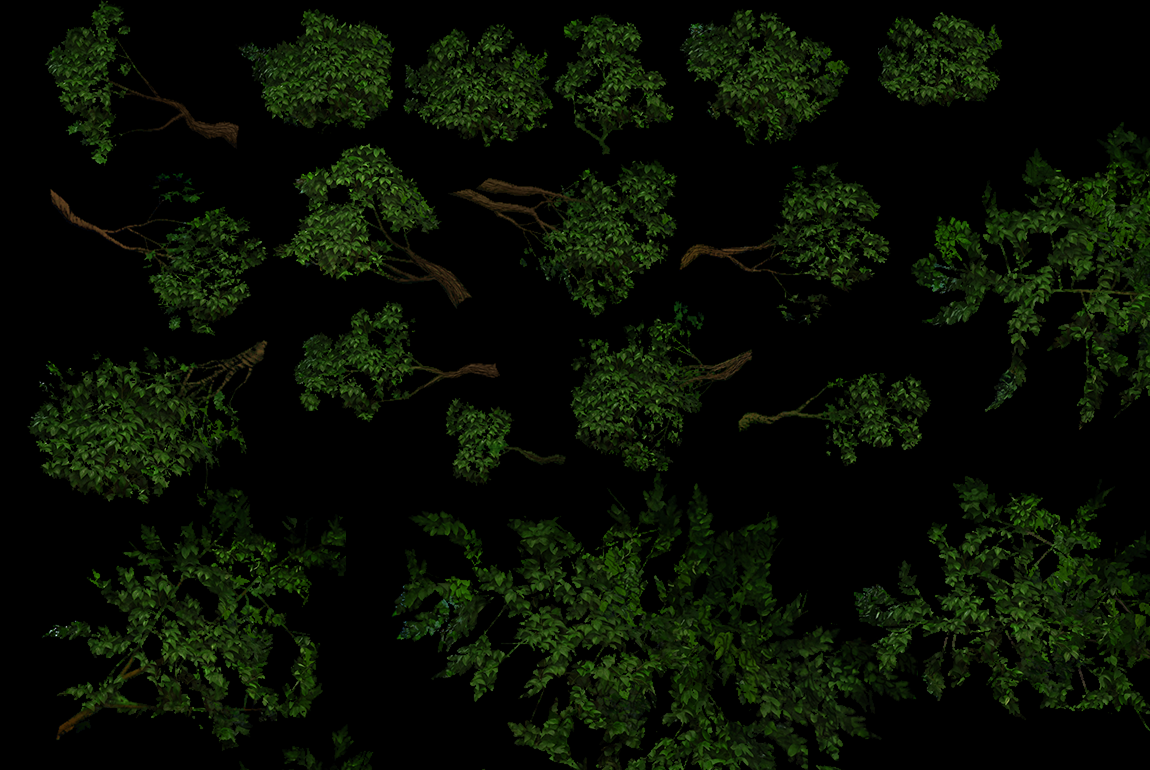

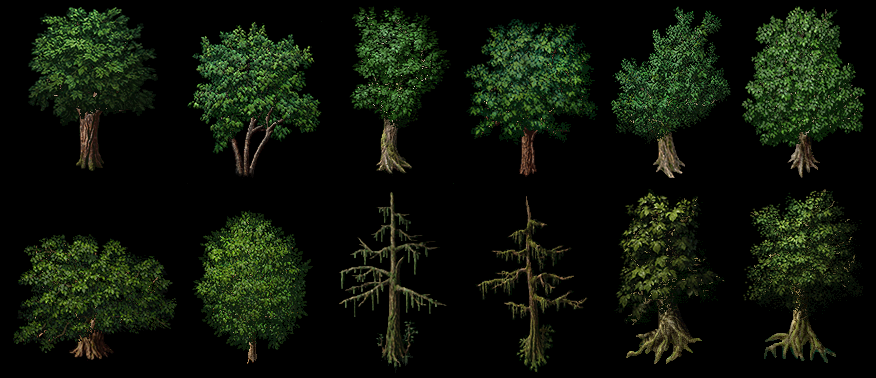
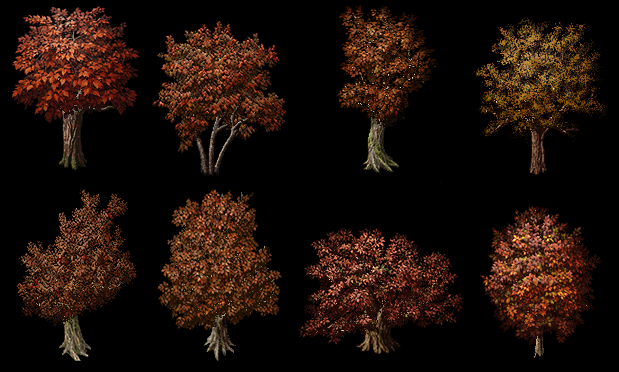
Trees
Magic Buffs
- buffs and debuffs stylized darker matching magic spells and outlands specific buffs

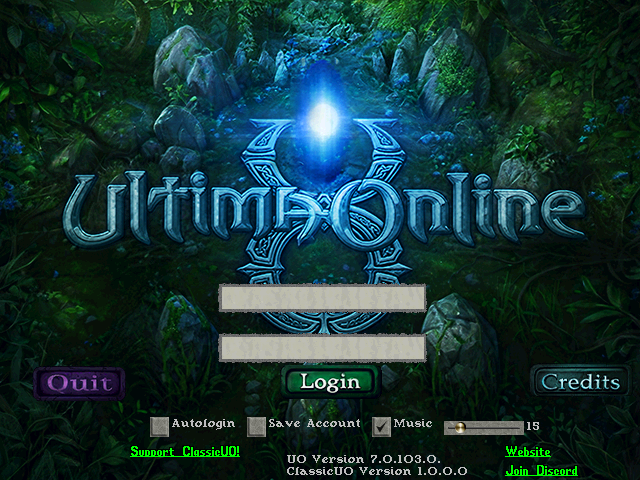
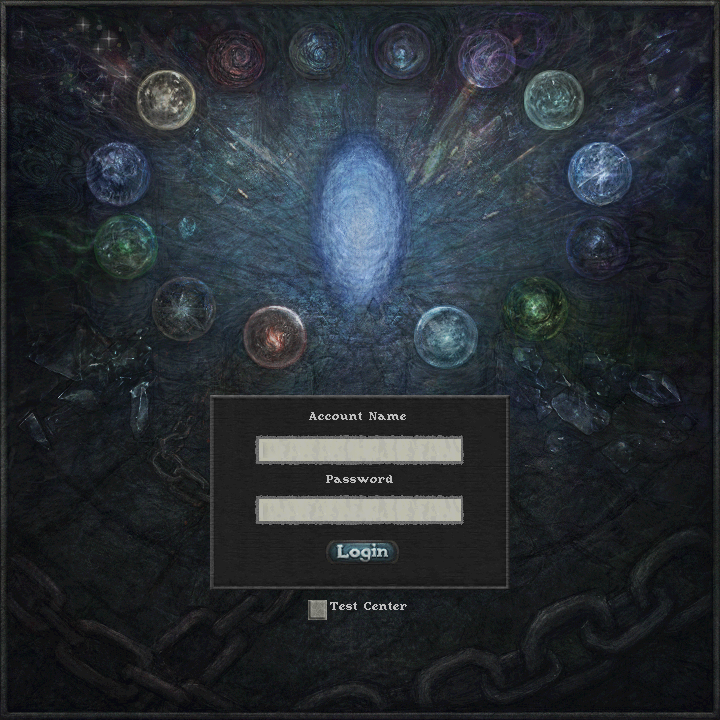
MAIN MENU
Installation / Patching
- for UO Outlands = Download GumpOverrides , unzip into a GumpOverrides folder in Outlands folder
- for Classic Shards =
- download UO_ART_MODS.zip .
- extract downloaded zip to a new folder anywhere
- UOFiddler is now the reccomended tool for complete mod install process by using its MassImport plugin
- create a backup of your Ultima Online Client folder
- written guide below is the most accurate all steps , this video may also be helpful = download install guide video
Setting up UOFiddler
- download the latest release of UOFiddler
- Settings > Path Settings > paste your Ultima folder path then click "Reload paths" ( list should populate with .mul .idx and .uop files )
- Setting > Options > Output Path > set to a new local OUTPUT folder ( this is where the mul and uop will output )
- Plugins > Manage > turn on MassImportPlugin
- Plugins > Manage > turn on UOPpacker
Patching using UOFiddler
- the ultima_online_mods folder contains a 00_ART_MODS_MassImport.xml file , ( this xml is a list of item ids and where the modded art files are located ) , edit the filepaths in the XML with "replace all" to match your own , or create a custom XML file using the 00_mod_selector.py tool
- Plugins > MassImport > Load XML > select the xml file in downloaded MOD folder 00_ART_MODS_MassImport.xml ( loads replacement art files)
- checkbox ON "DirectSave" , click "Start" ( may take 1 minute )
- the OUTPUT folder now contains the modded .mul files
- UOFiddler Tabs >UOP Packer > paste the OUTPUT folder path that contains the modded .mul files > turn ON "Pack MUL to UOP" > Start
- close UOFiddler , then copy the .mul , .idx , and .uop files , in the OUTPUT folder into your Ultima folder , overwriting
- Install is complete , play Ultima Online
- if your shard updates , then patch using their updater ( verify ), and repeat the MassImport process using UOFiddler after
Patching Troubleshooting
- if Terrain textures are incorrect in-game showing mismatch random texture = this is typically a shard patch update applied on top of the modded , mod textures should be applied by MassImport AFTER updating to your shards latest
- if MassImport crashes/freezes ( longer then 2min ) = the source .mul may be corrupted , restore backup .mul files or remove them and verify your shards latest patch ( so it downloads unmodded versions ) . this may happen after patching latest in a shard updater
- if after a Shard Update the client crashes with "System.OutOfMemoryException: Array dimensions exceeded supported range." referencing the ArtLoader. this is likely a failed diff update , delete the .mul or .uop files in the client directly that were recently updated , then verify again with your shard's launcher to download a fresh copy. test that the client loads , then may MassImport ontop using UOFiddler
or OLD Install using Varan Mulpatcher
- alternatively can install using Mulpatcher Alternate Download , this is an older method , may run out of memory
- Settings > Art > set the mul paths : Art.mul path ( Ultima directory ) and artidx.mul . click LOAD . repeat for Gumps and Textures .
- Features > Autopatch > select the mod txt file( 00_ART_ALL_ART_S.txt ) and set Art(S) as category dropdown > hit START .
- Repeat Autopatch process for the following mod txt files :
- 00_UI_ALL_GUMP.txt ( Gumps ) , 00_ENV_ALL_TEX.txt ( Textures ) , 00_ENV_ALL_ART_M.txt ( Art (M) ) , 00_ENV_ALL_ART_S.txt ( Art (S) )
- Settings > Save the Art mul to the Ultima directory ( Ultima directory ) . repeat for Gumps and Textures .
INSTALL NOTES EXPANDED
Additional Guides and Mods hosted by Gaechti :
- http://www.burningsheep.ch/finished.html
- http://www.burningsheep.ch/howtoUOP.html
Modding Tools / Notes
- 00_mod_selector.py = art mod selector , generates a custom MassImport list from selected mod folders

- 02_image_composite_multi.py = composites adjacent or overlaping images to assemble sliced tree images , saves arrangment as json for disassembly later

UO Outlands
https://uooutlands.com/
Thanks
- many thanks to ultima community creating shards , guides , tools , and content !
- Polserver - UOFiddler art tools - https://github.com/polserver/UOFiddler , http://uofiddler.polserver.com/
- ServUO Resources - https://www.servuo.com/archive/
- Varan - Mulpatcher tools - http://varan.uodev.de/ Mulpatcher Download Alt
- Gaechti - Art mods + Guides - http://www.burningsheep.ch/finished.html
- UO-pixel.de = https://www.uo-pixel.de/
Creative Commons Zero
free to all , creative commons zero CC0 1.0 , free to re-distribute , attribution not required
feel free to integrate into your own projects , mods , and texture packs